
Students: Forgot Your MFA Security Picture? How to Pick a New One (MFA Reset)
What is your Security Picture (MFA)? When you log in, ClassLink asks you to pick an image from a grid (like a dog, an apple, or a car) to prove it's really you. This is called Multi-Factor Authentication (MFA).
What to do if you forget which picture you picked:
Step 1: Tell Your Teacher
You cannot reset your picture on your own. Let your teacher know you forgot your security picture. They have an app on their dashboard that allows them to reset it for you.

Teacher Instructions are located here: How to Reset a Student's MFA Image
Step 2: Log In Again
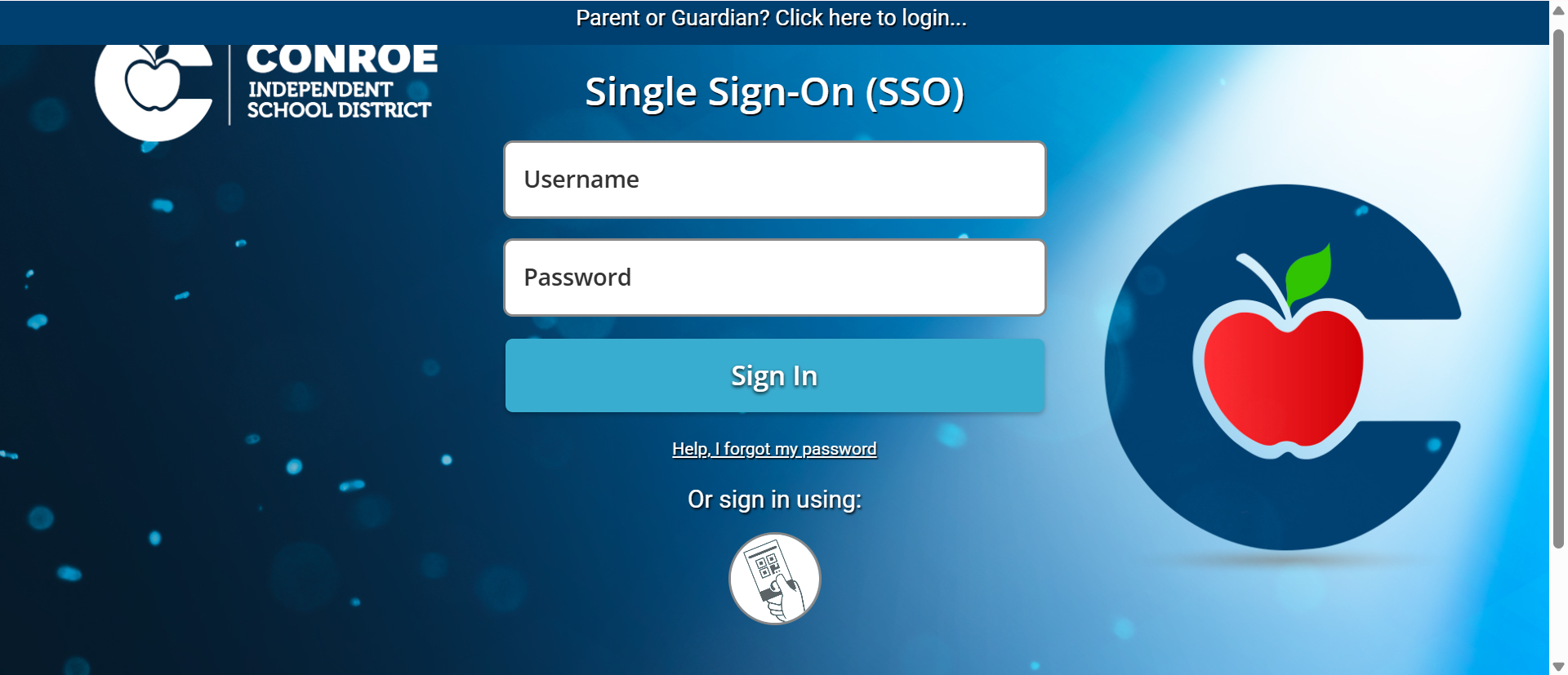
Once your teacher tells you they have reset it, go back to the CISD SSO here: sso.conroeisd.net login screen and enter your username and password.
Step 3: Pick a New Picture
Because your teacher cleared your old picture, the screen will now ask you to pick a brand new security image. Click on an image you will easily remember and confirm it. You will use this new picture from now on!

Still have questions? Visit the Additional Help section for further assistance.