
These instructions go into detail on how to access Eduphoria as a student in Conroe ISD.
How to Access Eduphoria Online Testing!
-
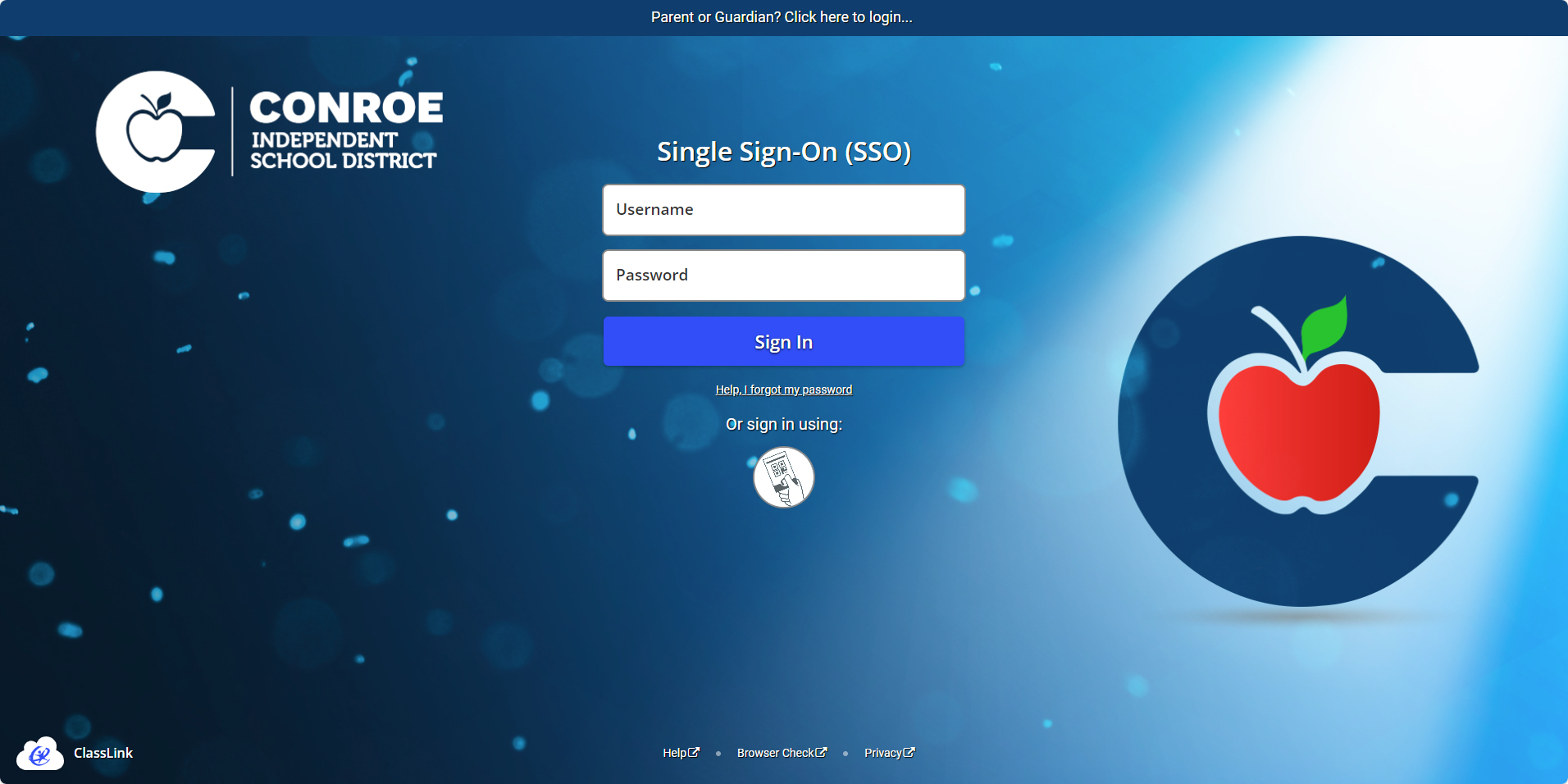
Sign into your SSO. Click here to navigate to the website: https://sso.conroeisd.net/
-
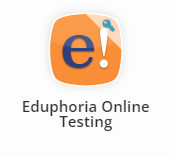
After you're logged in, search for the Eduphoria Online Testing in your SSO search bar and click it to open.
-
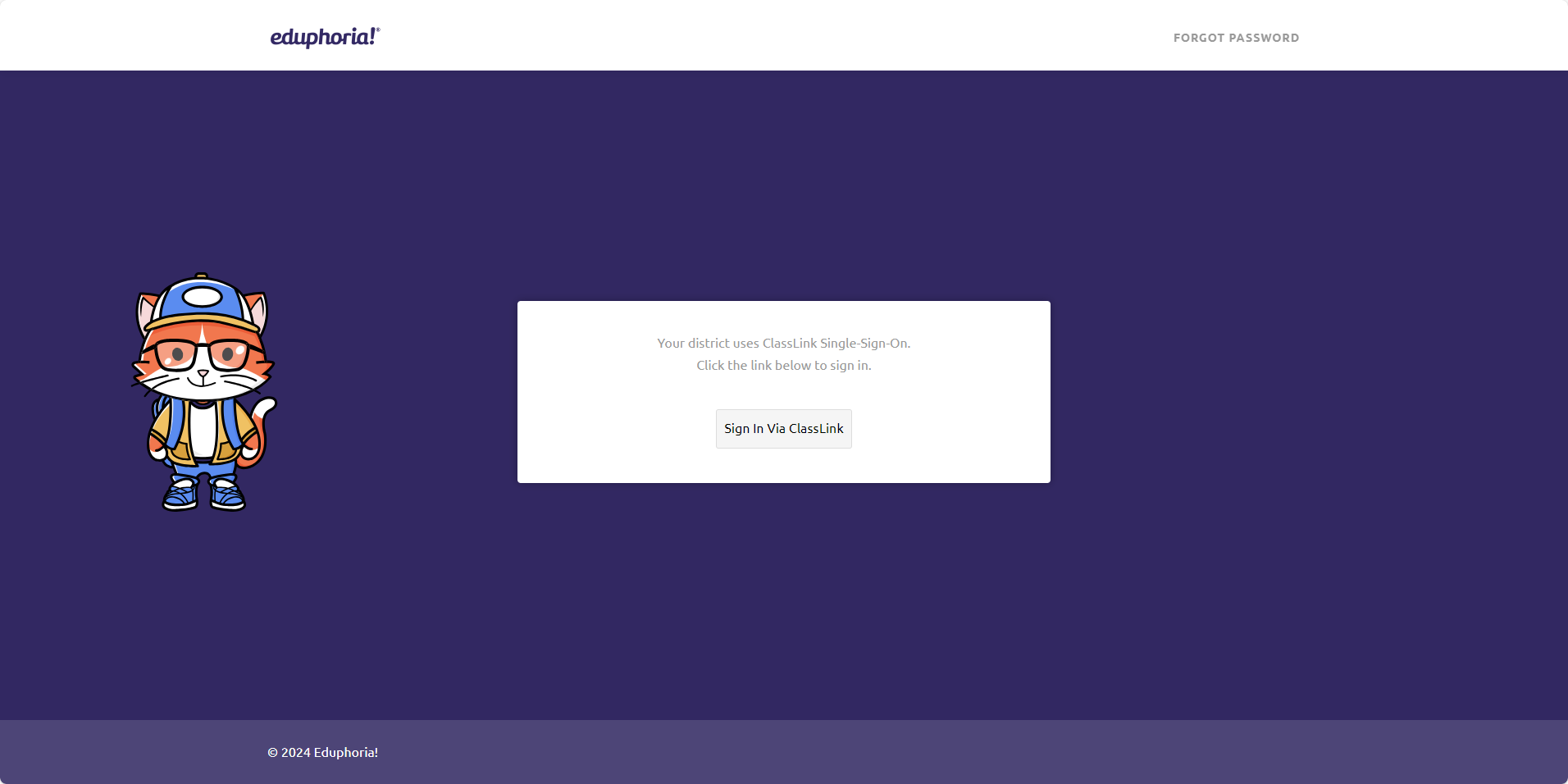
You’ll be taken to the ClassLink sign-in page. Click "Sign in via ClassLink", and you’ll be logged in automatically—no need to type your password!
Still have questions? Visit the Additional Help section for further assistance.