
This guide explains how to access your Conroe Independent School District (CISD) email account. To ensure security and proper connectivity, you will need to access your email through the Single Sign-On (SSO) portal rather than using a desktop application.
Conroe ISD does not support the use of the desktop version of Outlook or personal Outlook apps. Please access your email exclusively through the SSO portal as described below.
Accessing Email on a Computer
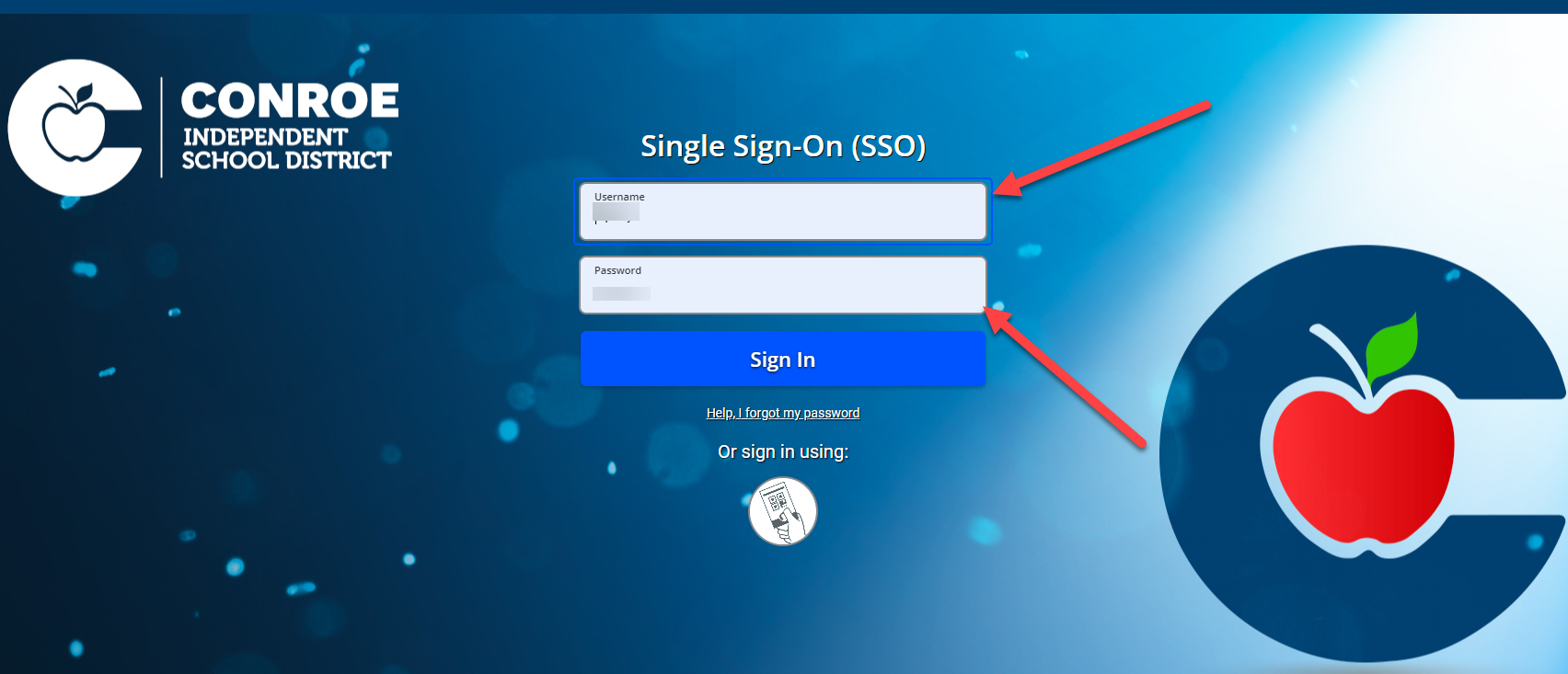
1. Log in to the Portal
Open your web browser and navigate to the Conroe ISD SSO. Sign in using your standard credentials.
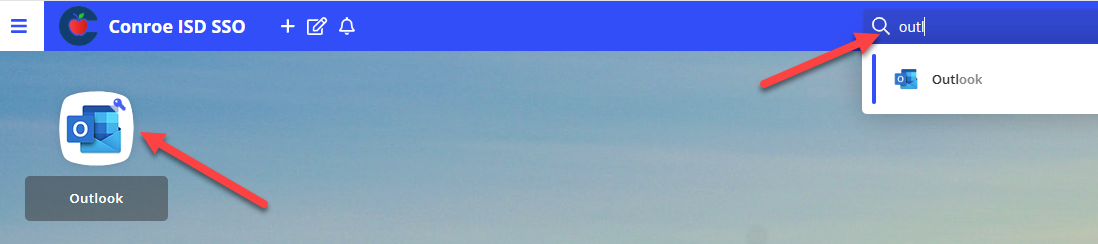
2. Locate the Outlook Application
Once logged in, look for the search bar at the top of the SSO home page. Type Outlook Email to find the application tile.
3. Launch Email
Select the Outlook Email tile. This will automatically open your inbox in a new browser tab.
Need additional help? Click here for further assistance.