
What to do if your QuickCard is lost, left at home, or damaged: QuickCards are the physical QR codes you scan to log in instantly. Getting a replacement is easy.
Step 1: Ask Your Teacher for a Replacement
Let your teacher know you lost your card. They have a special app on their dashboard and can quickly generate and print a brand-new QuickCard for you right in the classroom.
Teacher Instructions are located here: How to Print Student QuickCards (ClassLink)
Step 2: First-Time Setup (Important!)
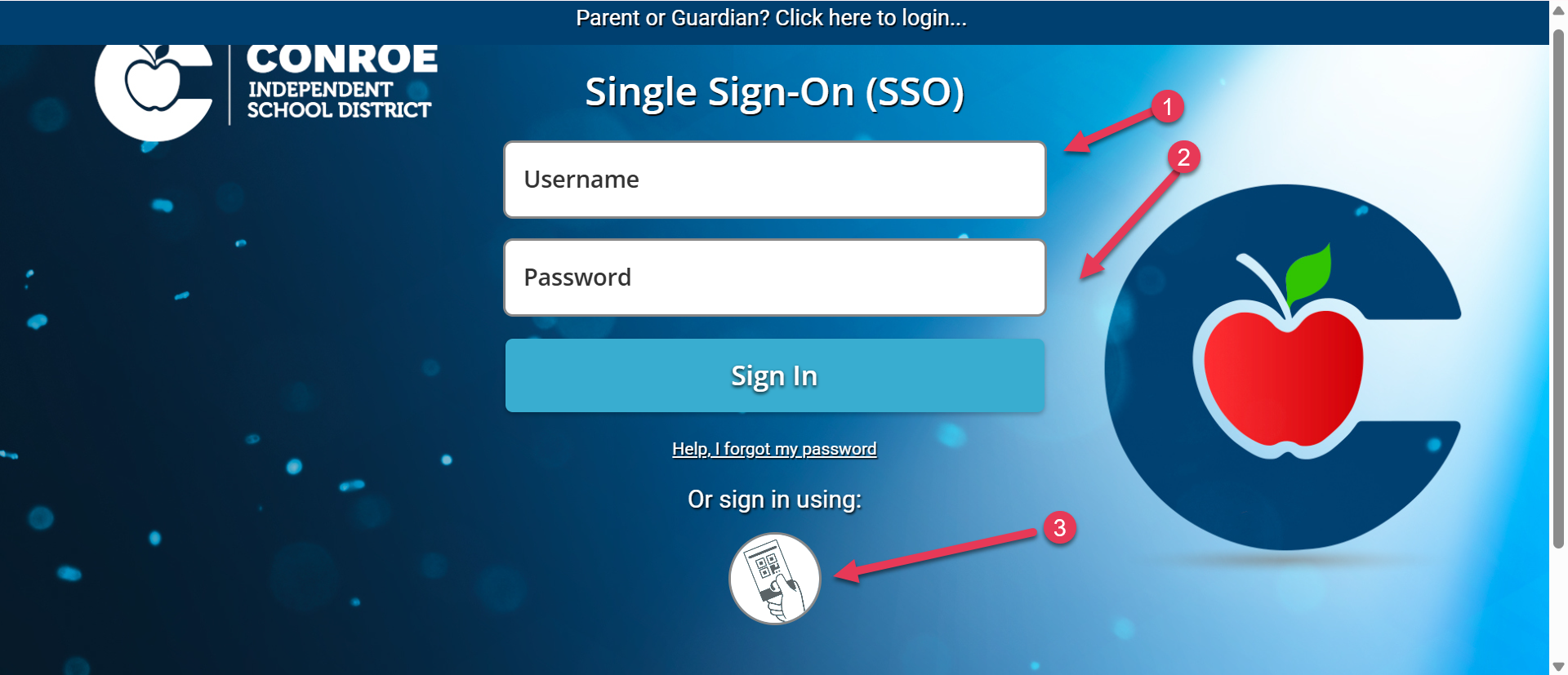
When your teacher gives you your new QuickCard, you cannot just scan it right away. The very first time you use a new QuickCard, you must enter your username and password manually. Once you log in with your username and password that one time, the setup is complete! For every login after that, you can scan the card automatically.
Still have questions? Visit the Additional Help section for further assistance.