
ACTION REQUIRED > All Adobe accounts will be deleted starting June 1st, 2024. All data will be permanently deleted and cannot be recovered once accounts are removed. Please ensure you download all your assets before that date.
Downloading Your Assets
Note: You will need to select and download each file individually. There is currently no option to mass-download files.
-
Log in to your SSO dashboard and select Adobe Express for Education.
-
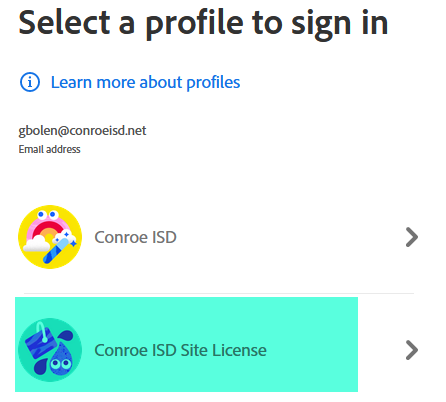
Select the Conroe ISD Site License.
-
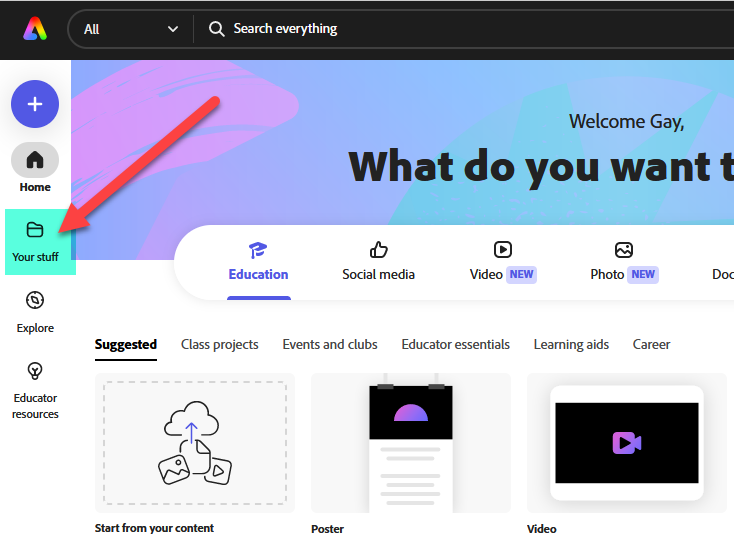
Click on Your stuff in the navigation menu.
-
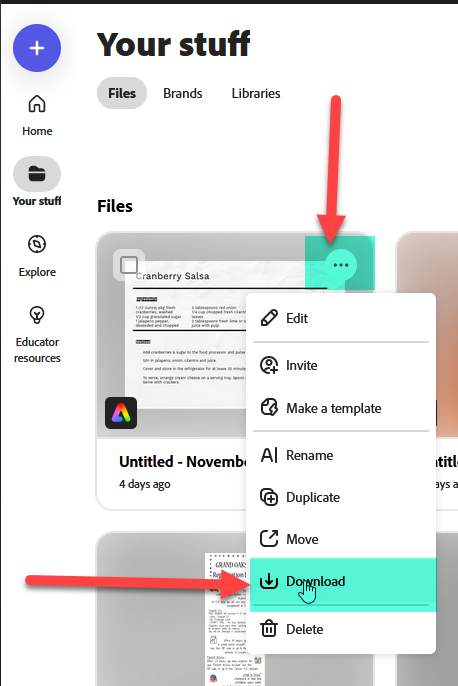
Locate the file you wish to download, hover your cursor over it, and click on the ellipsis (the three dots).
-
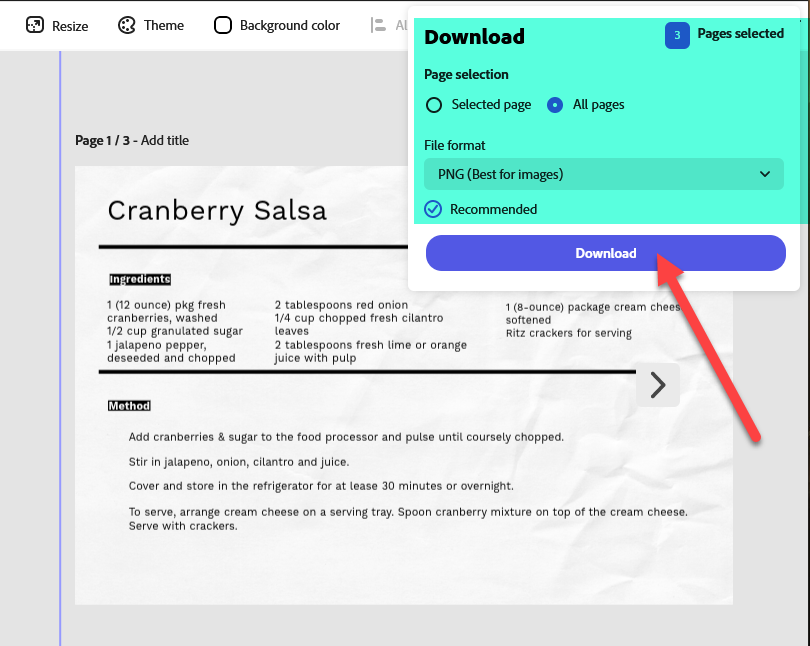
Select what you want downloaded and choose your preferred file format, then click Download.
-
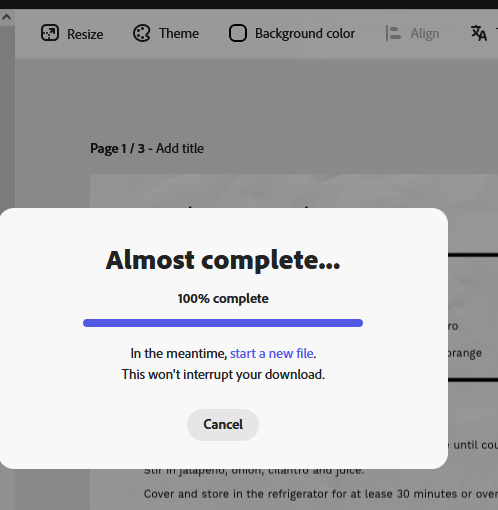
Wait for the pop-up window to display and complete your download progress.
-
Access your saved file in your computer’s Downloads folder (or whichever folder you have designated for downloads).
Important Reminders
-
Repeat the process above for each individual file you wish to save so you do not lose them during the summer account deletion.
-
New Content: If you create any new content prior to the June 1st deadline, make sure to manually download it if you wish to preserve it.
Need additional help? Click here for further assistance.