
Goal setting helps you reflect on your current professional practices, identify areas for growth, create a plan to achieve those goals, and track progress. In Strive, both Appraisers and Appraisees can set, submit, and edit professional goals. Secure messaging attached to each goal allows ongoing communication between the Appraiser and Appraisee until the goal is marked complete.
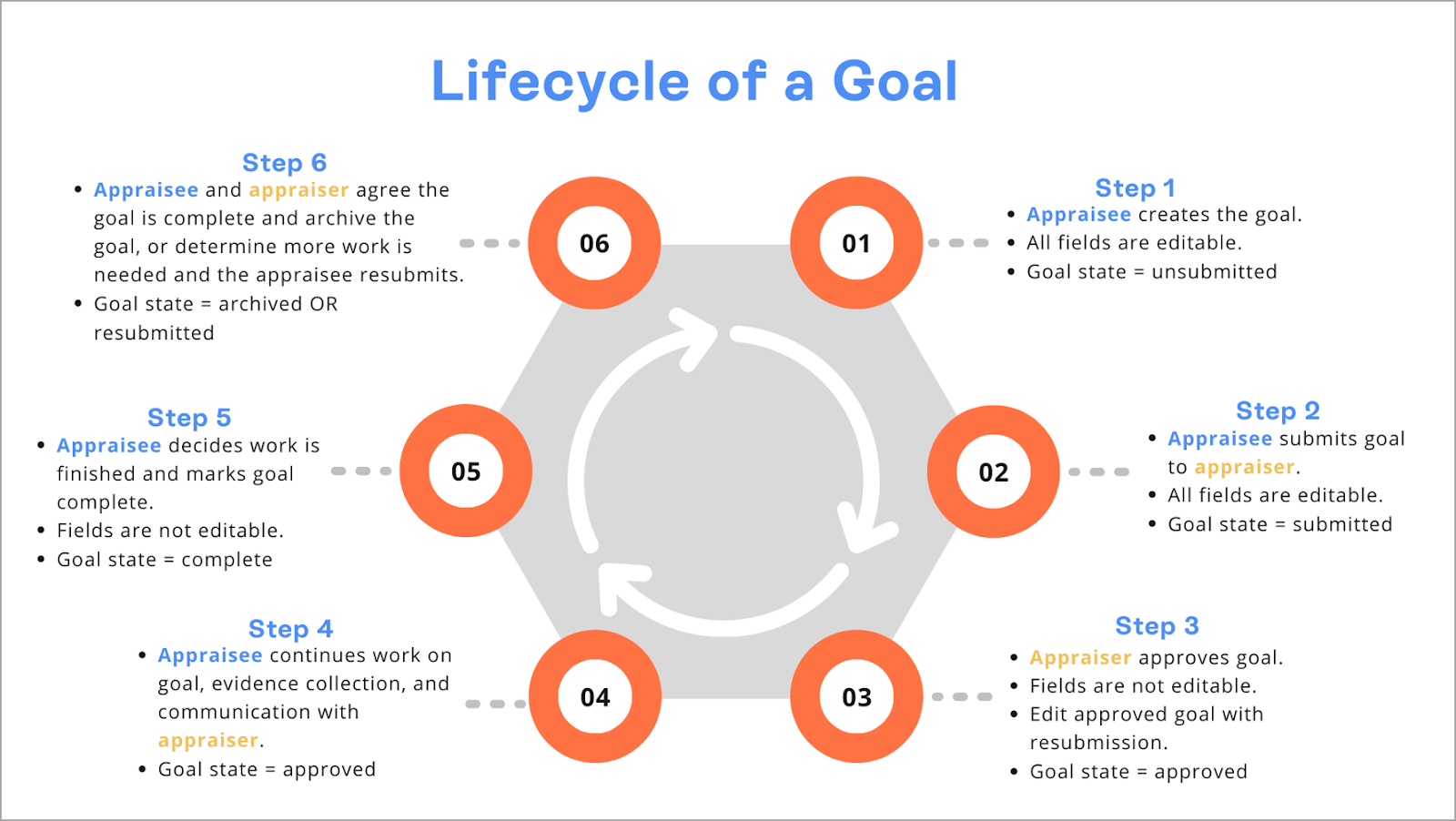
Goal Management Process
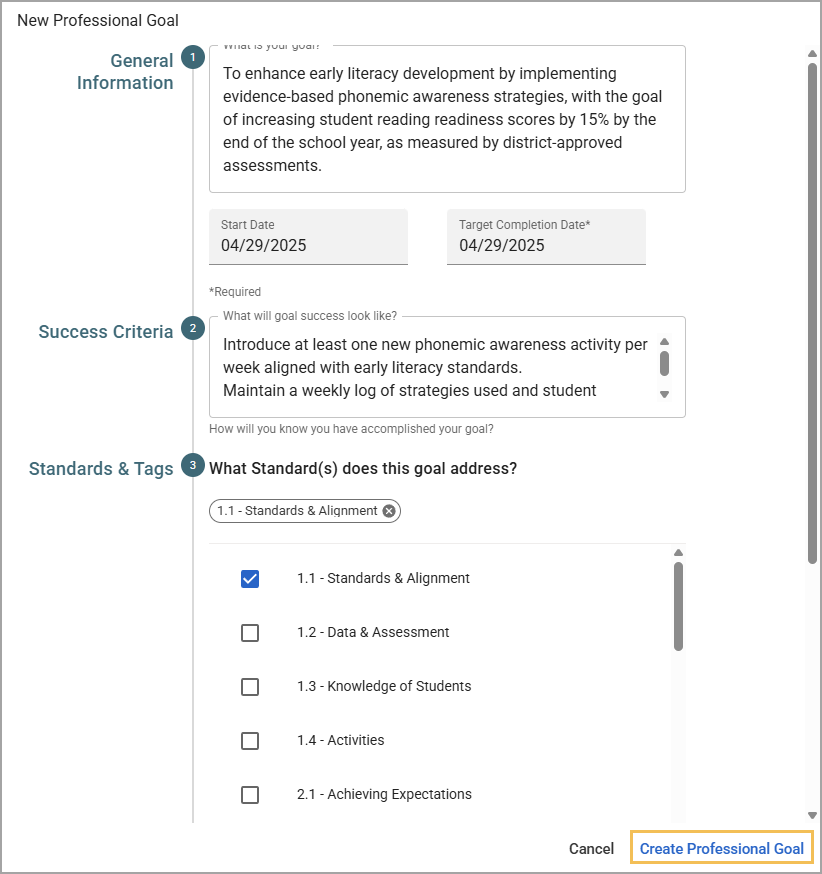
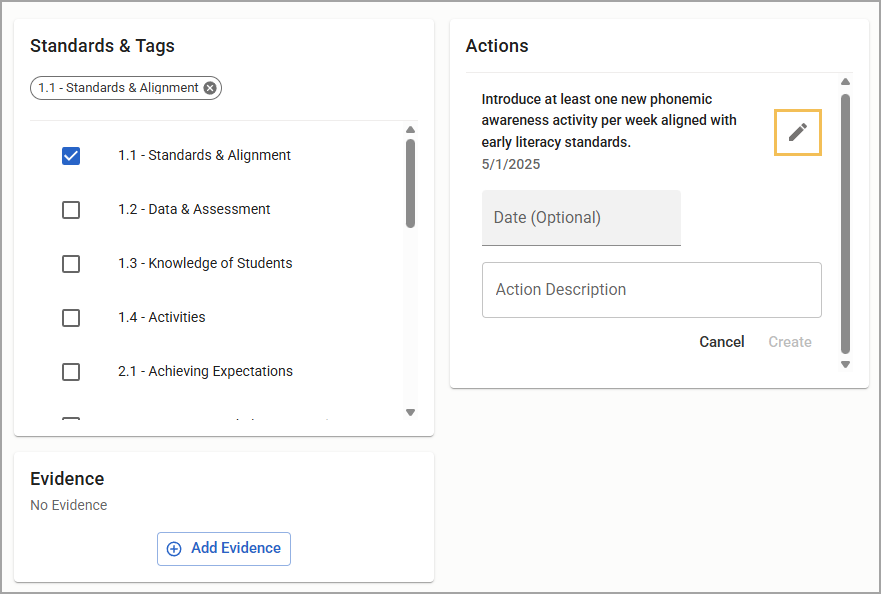
Step 1: The staff member creates a goal.
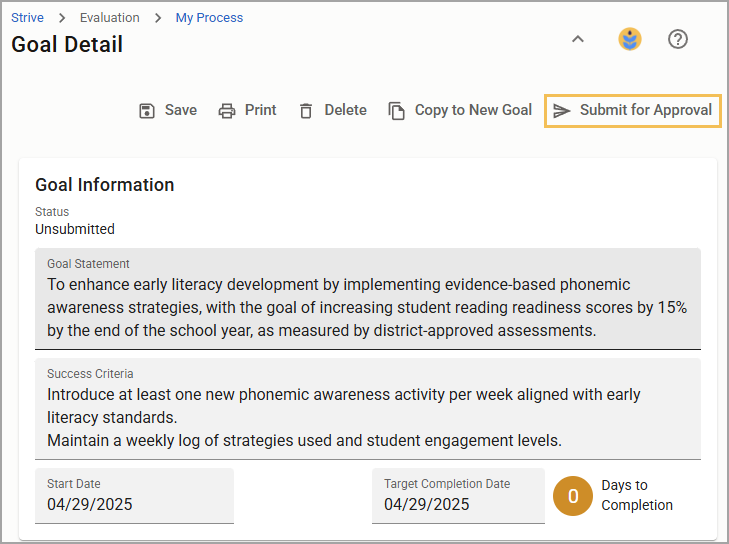
Step 2: The evaluator submits the goal for approval.
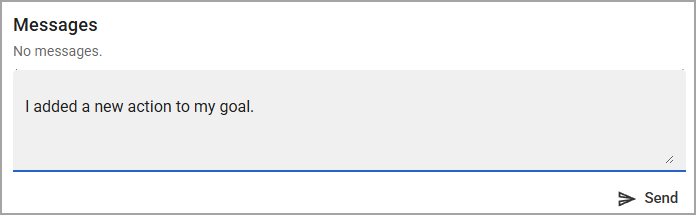
(Optional) The staff member and evaluator discuss the goal in the Messages section.
(Optional) The staff member edits the goal based on feedback and resubmits the goal for approval.
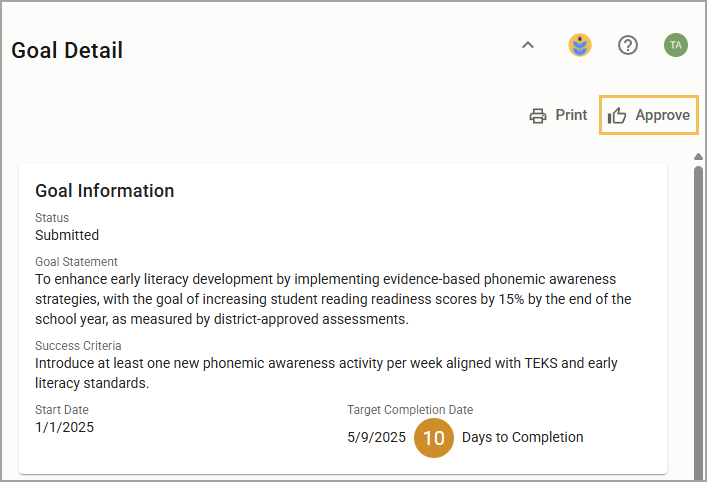
Step 3: The evaluator approves the goal.
Note: When a user resubmits a previously approved goal, a History section appears. The user can edit and resubmit the goal indefinitely until it is marked complete. Goals cannot be edited after they are submitted as complete.
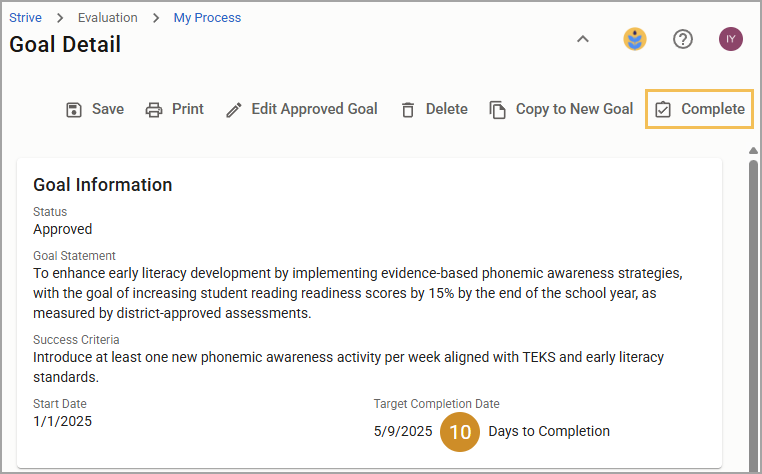
Step 4:The staff member satisfies individual actions and attaches evidence.

Step 5: The staff member marks the goal as Complete.
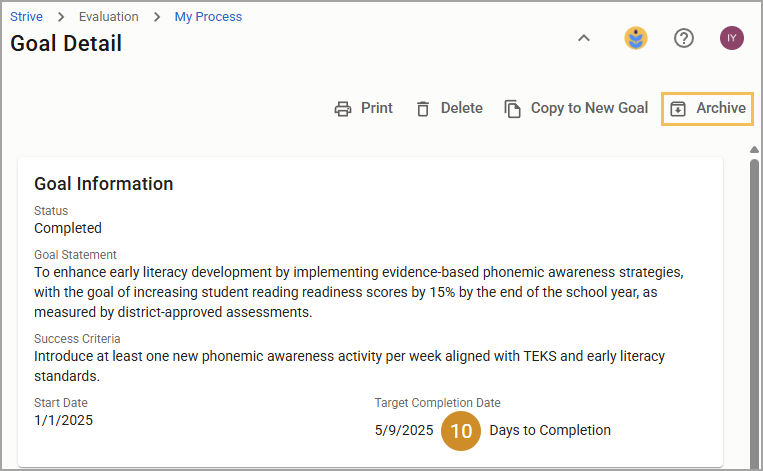
Step 6: The evaluator and staff member reach a consensus. Either can archive the goal.
Still have questions? Visit the Additional Help section for further assistance.